May 28, 2026 Releases
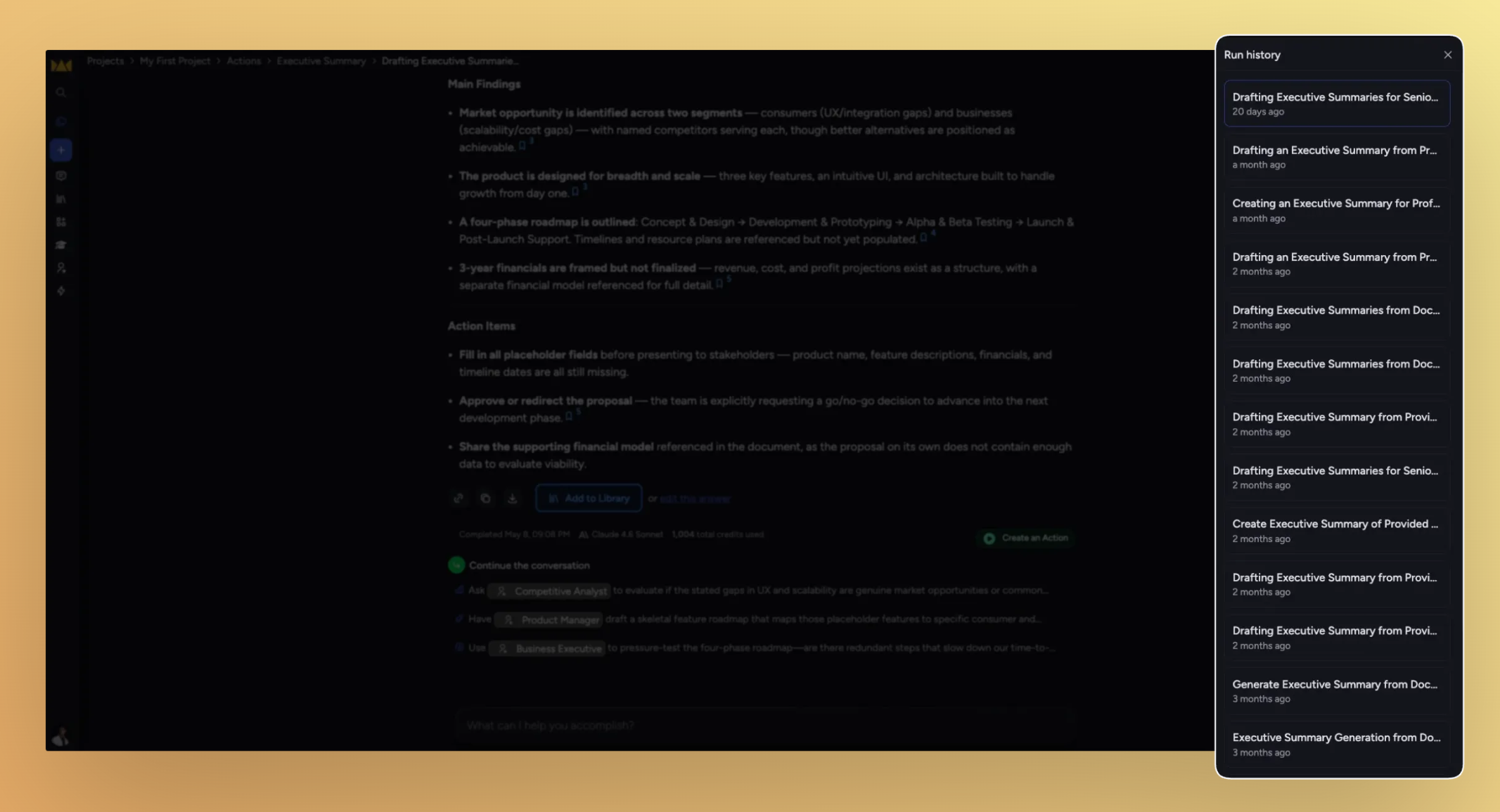
Run history, at a glance. This update is about reading and acting on your Action runs faster: Labels now show right in the run history list, the panel behaves the way you expect, and a handful of editor snags got smoothed out along the way.
What's in this release
Improved
Run Now moves onto the Run History header
The Run History panel closes on its own
Edit an action straight from its card
Scrolling the actions panel footer is more forgiving
Project homepage cards line up on one row
Fixed
Chat history times show in your local time zone
Pasted links join the line you're typing on
Backspace exits an empty list cleanly
"Clear all" no longer overlaps the prompt bar icons
Run history is easier to scan and run
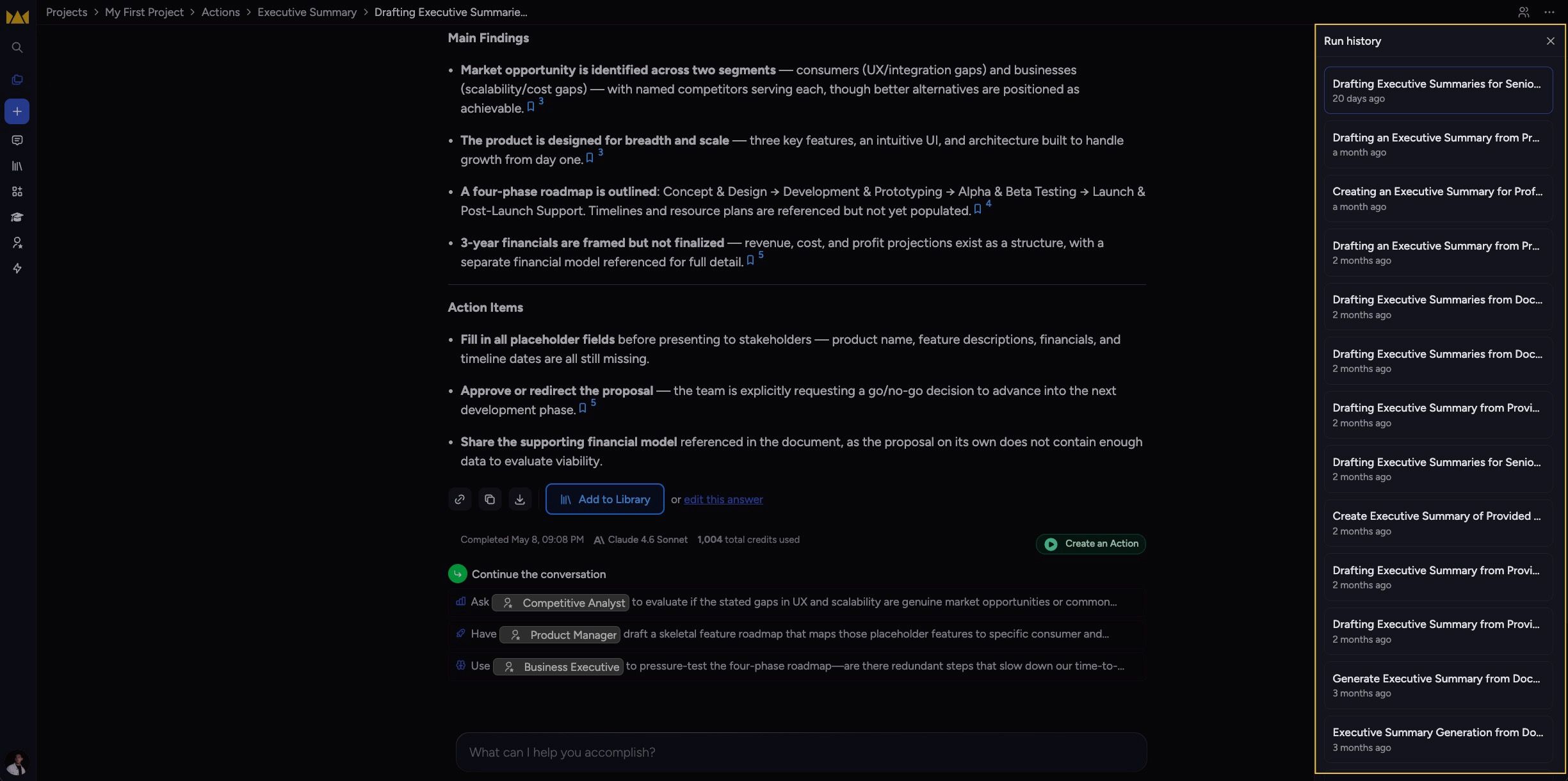
The run history list and your action cards picked up a round of polish that makes long histories quicker to read and act on.
Labels in the run history list. Each run shows its labels inline, so you can scan many runs without opening each one. Rows show up to four labels, with a +N more toggle when there are more.
Run Now on the header row. The Run Now button now sits on the Run History heading instead of a separate footer.
The panel closes itself. Clicking outside the Run History panel, picking a run, or pressing
Escnow dismisses it.Inline edit on action cards. An edit icon on each action card lets you jump straight into editing.
Improvements
Scrolling the actions panel footer is more forgiving
The footer of the actions panel now accepts scroll input across a wider area, so the list keeps scrolling even when your pointer drifts to the bottom edge.
Project homepage cards line up on one row
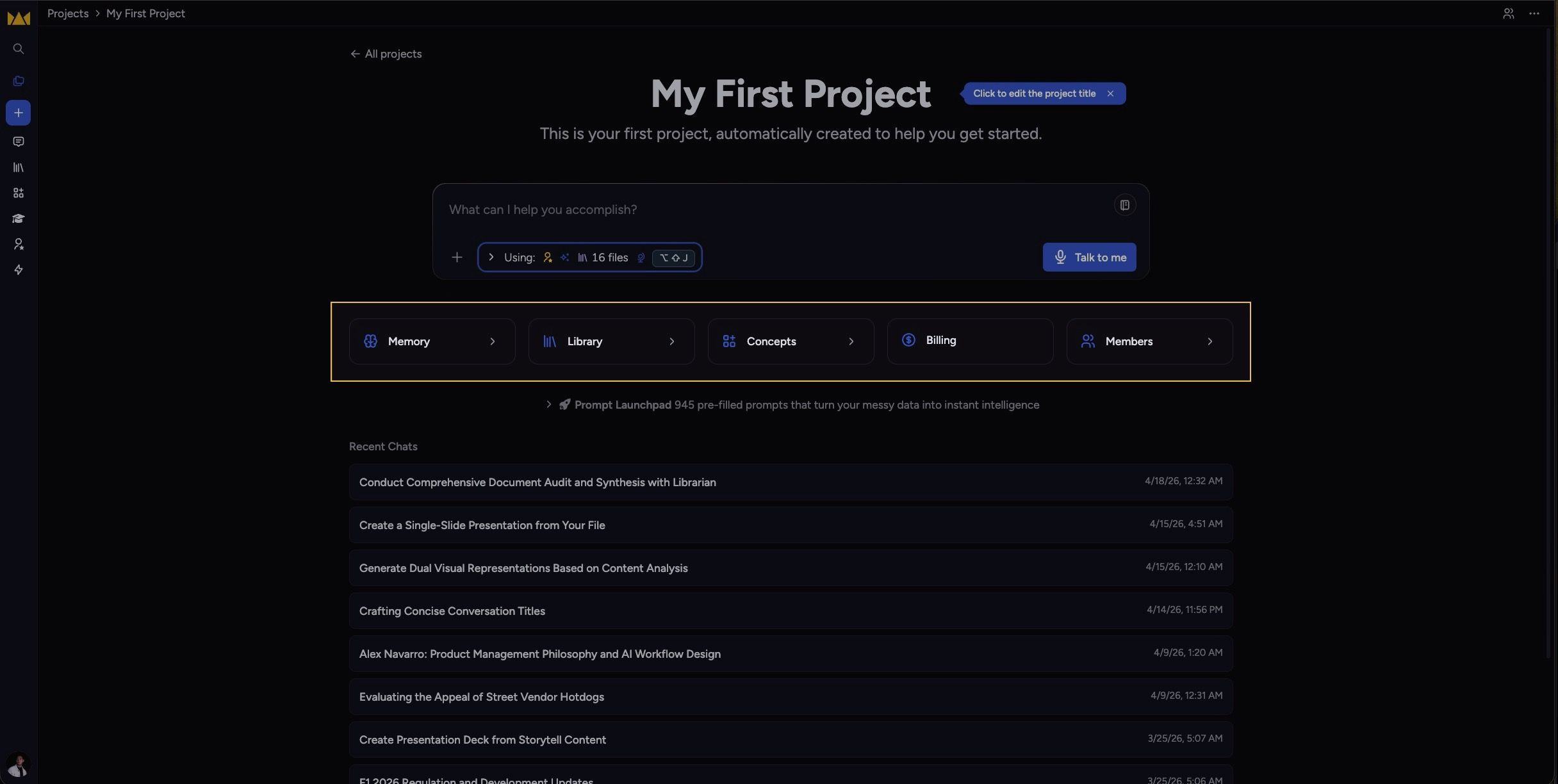
The project homepage cards — Memory, Library, Concepts, Billing, and Members — now fit on a single row on wide screens, and step down gracefully to three, two, or one column as the window narrows.
Fixes
Chat history times show in your local time zone
Chat history rows were showing server time instead of yours, so a 5:30 AM chat could read as 10:30 AM. Times now render in your browser's local time zone.
Pasted links join the line you're typing on
Pasting a URL into the prompt now merges it inline with your text instead of dropping it onto a new line.
Backspace exits an empty list cleanly
Pressing
Backspaceat the start of an empty list item now lifts you back out to a normal paragraph, the way it should.
"Clear all" button no longer overlaps the prompt bar icons
The Clear all control and the prompt bar's action icons stopped overlapping, so each stays tappable.